PHIGHTING! Team Colors and Readability
PHIGHTING! Team Colors and Readability explained with practical examples, live-game verification notes, common mistakes, and related strategy pages.
What does this mechanic mean?
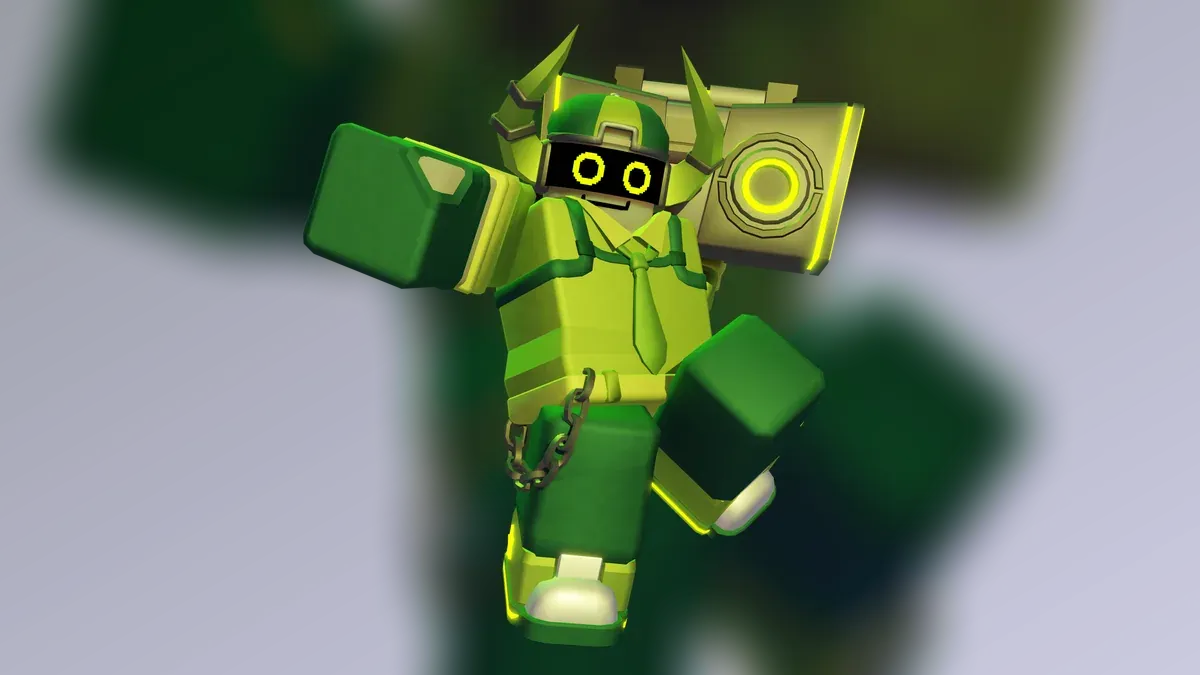
Team colors and interface cues help players separate allies, opponents, objectives, and effects during fast fights. Readability settings should support quick recognition without depending on color alone.
How should you apply it in a match?
Observe the interface cue, identify what decision it changes, and communicate the consequence to teammates when relevant. Practice the mechanic in relation to an objective rather than as an isolated rule.
| Check | Question |
|---|---|
| Recognition | What visual or audio cue confirms it? |
| Timing | When does it change the next decision? |
| Team effect | Who needs to react with you? |
| Verification | Does the current live description match memory? |
Read the beginner guide, connect this topic to Controls And Inputs, and apply it on the map guides. Exact values remain tied to the live build and dated sources.
Related Articles
characters
Ban Hammer — Abilities, Strategy, Skins & Lore
Ban Hammer PHIGHTING! profile with role basics, strategy, matchups, verification notes, and links to current sources.
characters
Biograft — Abilities, Strategy, Skins & Lore
Biograft PHIGHTING! profile with role basics, strategy, matchups, verification notes, and links to current sources.
characters
Boombox — Abilities, Strategy, Skins & Lore
Boombox PHIGHTING! profile with role basics, strategy, matchups, verification notes, and links to current sources.
Was this helpful?
Thanks for the feedback!